Run toward the surface you can use
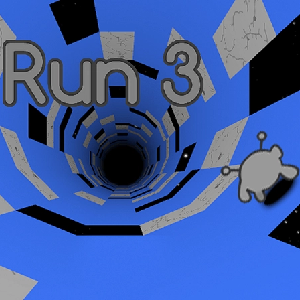
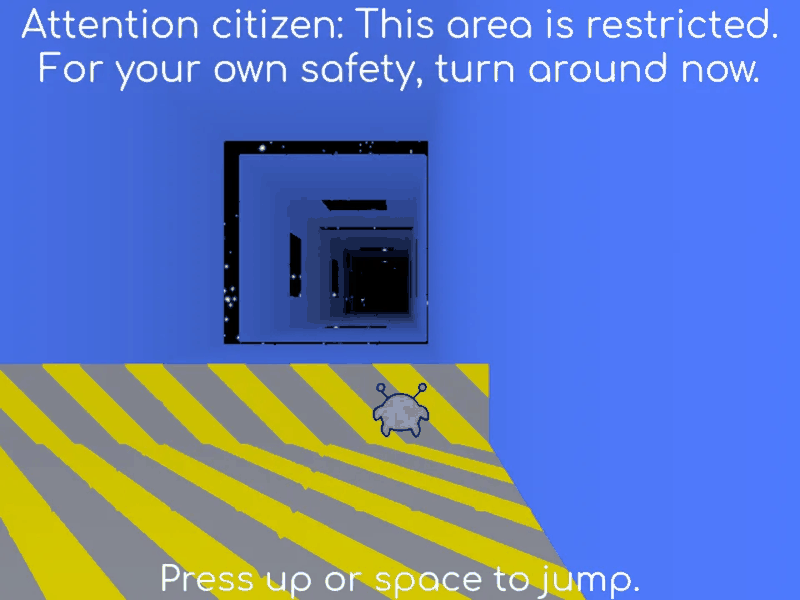
Run 3 sends a small character through a space tunnel with gaps in its tiles. Forward travel continues automatically while you move sideways and jump. Stepping onto a wall changes the useful floor and rotates the view, which makes the tunnel itself part of your route choice.
That gives a familiar-looking gap more than one possible answer. A jump may clear it, or a different connected surface may offer a route around it. Choose based on the tiles ahead, rather than treating every empty patch as the same problem.
Keep the new orientation in mind after a rotation. The side that looked like a wall a moment ago is now where the runner is supported. A useful route is the connected surface your character can reach next.
| Mode | What the session emphasizes | Useful first question |
|---|---|---|
| Explore | A sequence of levels you can retry | Which surface connects to the next part of this level? |
| Infinite | An ongoing score-oriented challenge | Where can I continue safely through the next sequence? |
Movement and jump
Use left/right arrows or A/D to move sideways. Use Up, W or Space to jump. Test the pair you prefer at the beginning rather than changing keys during a difficult gap sequence.
Read after a rotation
As soon as a wall becomes the floor, find the next usable patch in the new view. Continuing an old left-right plan without reading the changed orientation can send you toward a gap you could have seen.
Choose a route before choosing a jump
Before jumping, find the tiles where you want to land. If the floor ahead is missing, also check the connected wall: moving onto it can rotate the tunnel and give you another surface to follow. Choose the route, then time the jump it needs.
After falling out of the tunnel, review the surface choice first. Did the runner have somewhere to arrive, or were you jumping toward empty space? A better route can remove the need for a desperate late action.
Players moving over from Slope 3 will recognize the need to look ahead, but the movement is different. Slope 3 uses a ball on open platforms without a separate jump key. Read the full comparison if you are deciding which kind of challenge you want.
Before your next run
How do walls become the floor in Run 3?
Moving the runner onto a tunnel wall changes the surface you are running on and rotates the view. Read the new floor after the change rather than continuing to treat the old bottom edge as your only route.
Should I choose Explore or Infinite?
Choose Explore to work through levels and retry a section you recognize. Choose Infinite for an ongoing score run. In either mode, watch for connected tunnel surfaces as well as gaps you can jump.
Can I use Space to jump in Run 3?
Yes. Space, Up or W performs a jump in this selected player. Left and right arrows or A and D move sideways. Click the game after loading so the keys reach it.
Is Run 3 a Slope 3 sequel?
No. Run 3 is a separate tunnel-running game with a character, jumping and gravity-changing surfaces. The shared number does not make it a version of the Slope 3 ball game.
More Similar Games
Three different ways to test the same quick reactions.