Seven full game pages, three kinds of change
Each card opens a game page with its player and controls. Read those controls before pressing Play, especially when moving from a two-key ball runner to a game with jumping, rolling or a held timing input.
Stay with a rolling ball, change the visual problem inside a tunnel or move to a different input rhythm. The groupings below are a way to choose, not a popularity chart.
Keep the rolling-ball idea
Start with another ball runner and give its opening attempt time to establish a familiar key pair with a different feel.
Change the route you read
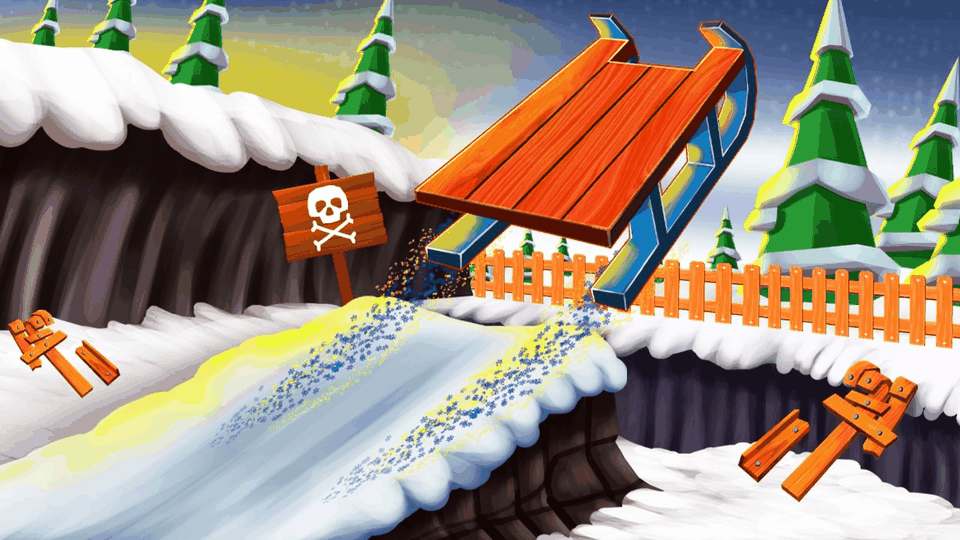
A barrier opening, a gravity-changing floor and a snowy jump approach give the next surface three different meanings.
Change the input rhythm
Move from continuous steering to the timing of a held input, or choose among discrete lanes and obstacle actions.


| Game | Key difference | First thing to read |
|---|---|---|
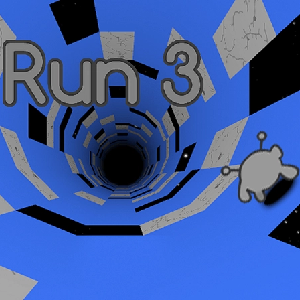
| Run 3 | A real jump and a change of running surface | The connected tunnel tiles |
| Snow Rider 3D | Up/W jumps the sleigh | A clear snowy landing |
| Curve Rush 2 | Hold and release | The next descending hill |
| Subway Surfers | Lane change, jump or roll | The route beyond the nearest train or barrier |
Reset the meaning of the keys
A direction key can be continuous steering in one player and a lane change in another. Space can also serve different purposes. Check the selected game’s controls instead of carrying over an action simply because it worked in the previous run.
For a direct choice between Slope 3 and another movement style, use the comparison collection. For the main cyan ball player, return to the homepage game window.