Two ways the player can expand
| Viewing mode | What changes | How to leave |
|---|---|---|
| Native fullscreen | The game container asks the browser to use the screen | Use Exit fullscreen below the game or the browser’s fullscreen exit action |
| Expanded page view | The player fills the available webpage viewport | Use Exit fullscreen in the player toolbar |
| Normal view | The game sits within the site’s centered page layout | Use Fullscreen if you want a larger view |
The button first requests native fullscreen. If that request is unavailable or rejected, the player can expand inside the page, where browser controls may remain visible. The browser provides its own way to leave native fullscreen, often Escape. For the expanded page view, use Exit fullscreen in the toolbar: an Escape key pressed while the game has focus may stay inside its frame.
Enlarge a running player
- Open the homepage game and press Play.
- Allow the game to reach its own starting interface.
- Press Fullscreen in the toolbar below the game.
- Click the game area again if it needs keyboard focus.
- Use Exit fullscreen when you want the normal page layout back.
A fullscreen request needs a visitor action. Simply opening an article does not make this site take over the display. The control stays with the player rather than following you across guide pages.
Readability can change
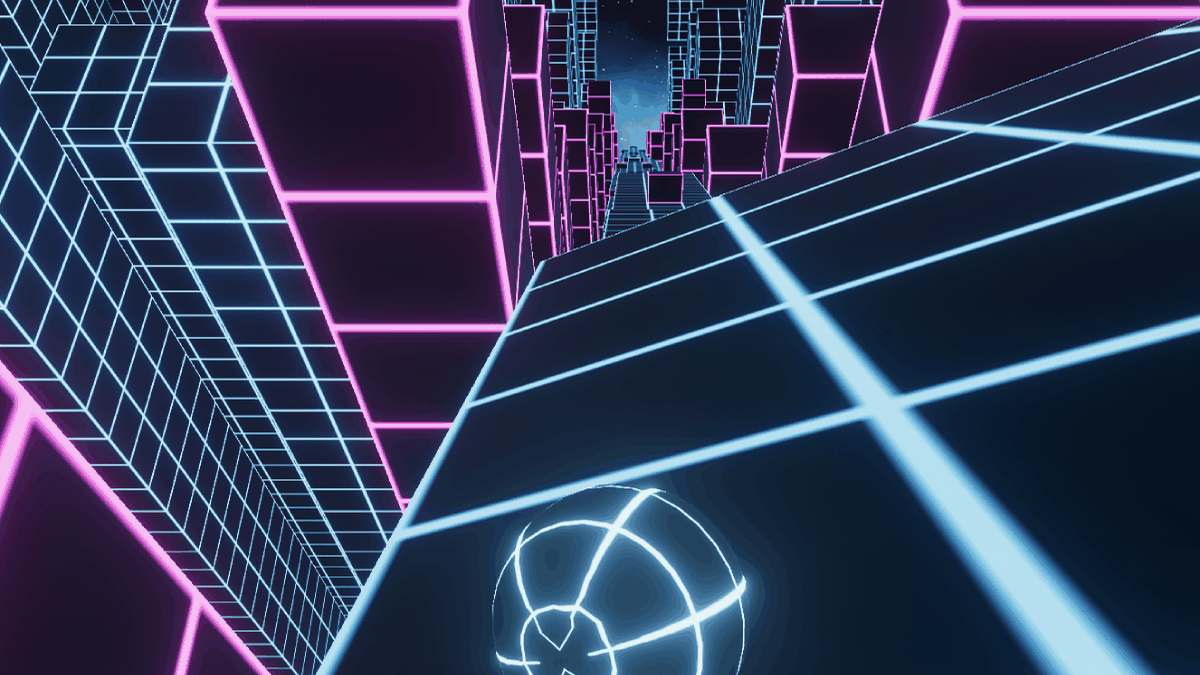
A larger player may make a platform edge easier to see. It can also increase how far your eyes move across the view. Give yourself an ordinary attempt to settle into a new size before judging the result.
Workload can change
Drawing a larger game view can affect the workload on a device. If motion becomes less even, compare the normal player size using the same game and control pair.
If the control does not behave as expected
A browser may restrict fullscreen in an embedded viewing environment or provide a different fullscreen interface on a phone. The expanded-page fallback is useful in that situation, but it is still bounded by the available viewport. This is why the button can enlarge the game without hiding every browser control.
If the game stays blank in either size, follow rendering diagnosis. If the scene is visible but steering stops after changing view, use the focus checks. Neither problem is solved merely by making the same empty or unfocused frame larger.
On a touch device, landscape orientation can offer a more useful shape for the game. Keep the exit control within reach and choose the view that is comfortable, rather than assuming fullscreen is always the better option.